 ™

Teams
One season, shared clearly.
Give families a schedule they can review without each person rebuilding the same list.
For organizations
Teams, schools, studios, camps, clubs, PTO and PTA communities, and activity providers already do the work of creating a schedule. CalDone helps families use it.

A shared starting point
Schools, teams, studios, and clubs already spend time preparing schedules. But families still have to transfer those dates into their personal calendars.
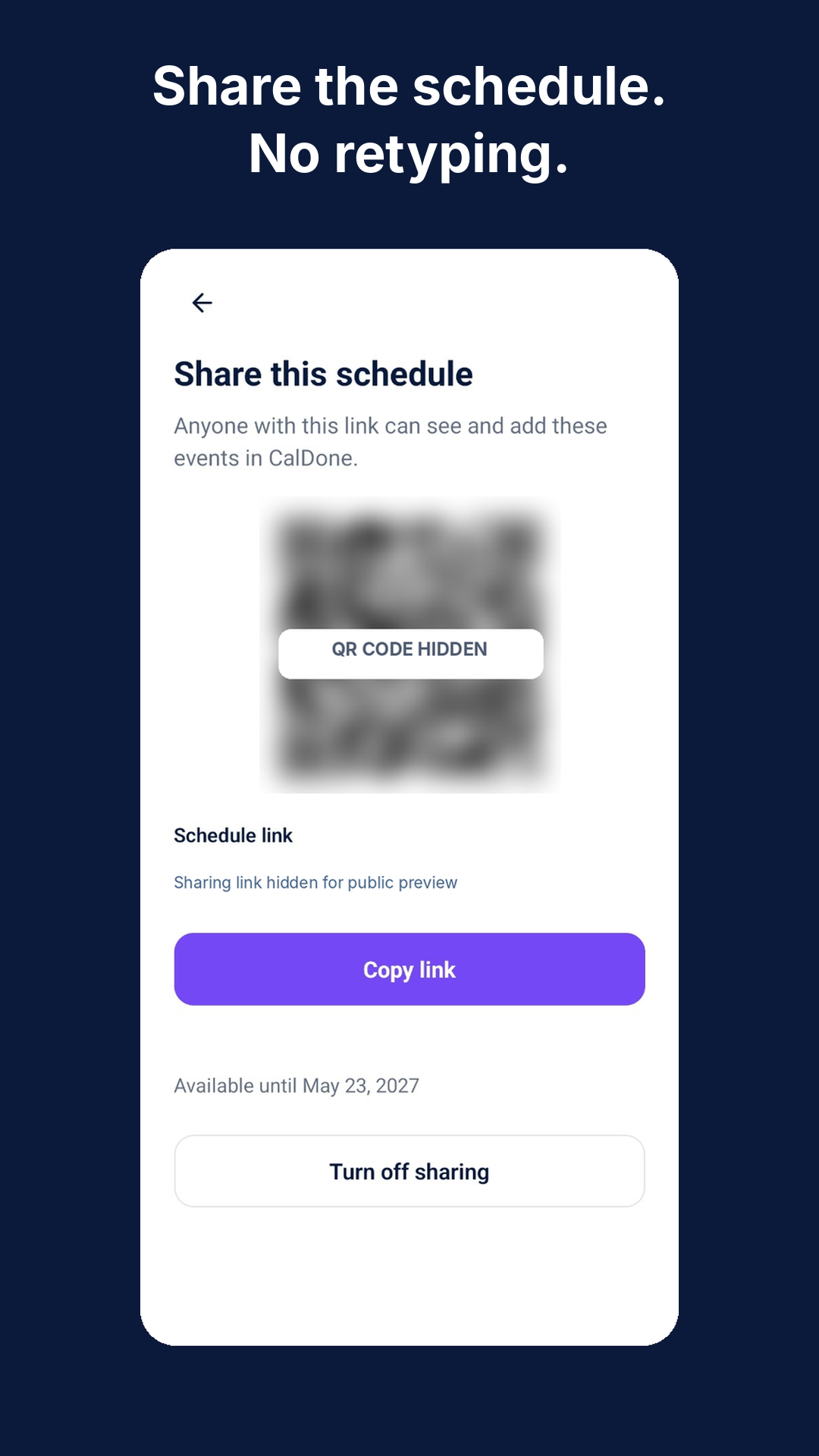
CalDone makes that part easier. A schedule can be added once, then shared through a link or QR code so families can choose the events they need and add them to their own calendars.
A focused role
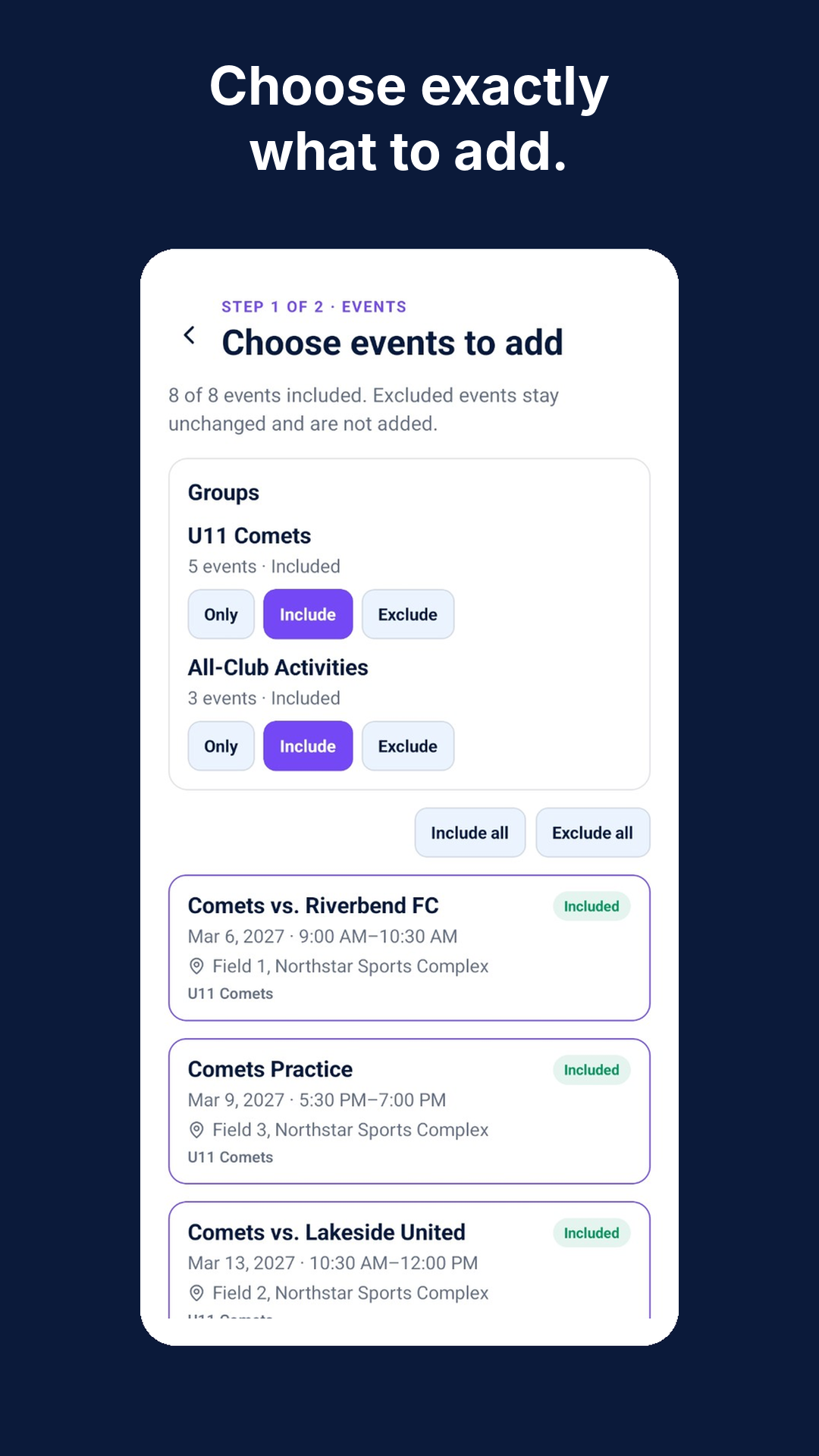
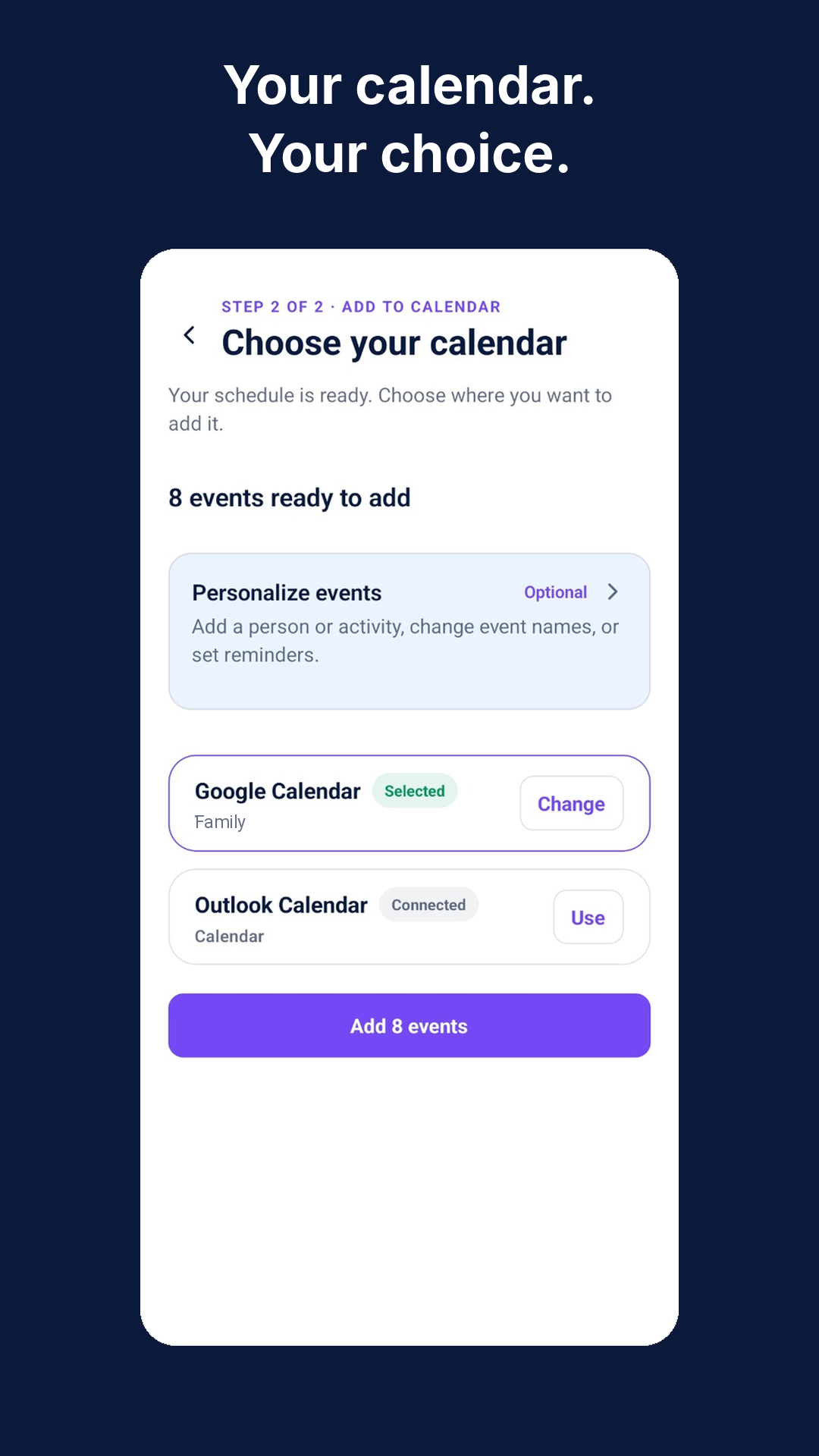
Families review the shared schedule, select or deselect whole groups or categories, then include or leave out individual optional events as needed before adding what belongs to the calendar they already use. CalDone is a schedule-sharing bridge, not a roster, chat, payment, management, or replacement-calendar product.
Teams
Give families a schedule they can review without each person rebuilding the same list.
Studios & programs
Share the schedule your performers and families already rely on, in the form it was prepared.


Clubs, schools & camps
From school communities to camps and clubs, families can choose individual events, optional items, or relevant groups for their own calendars.
App screens
Select a screen to enlarge. Scroll to explore.
Illustrative app screens; examples may show different imports.
Optional sharing
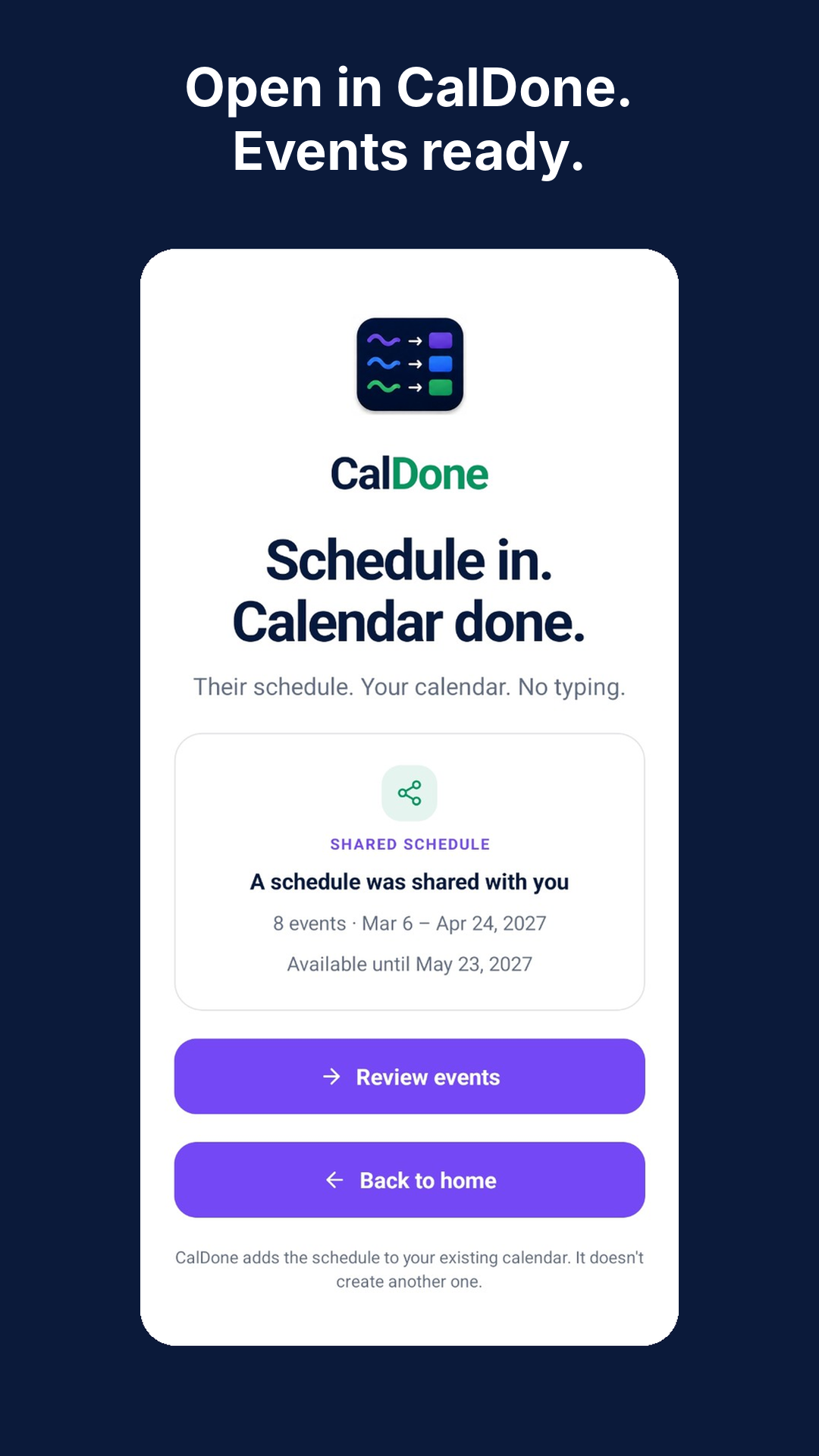
The sender imports and reviews the schedule first, resolving unclear details with Quick Check before optionally sharing the reviewed events by link or QR code. Recipients get those already-reviewed details, choose relevant events, and add them to a calendar they already use—they do not repeat the sender’s Quick Check.
HOW IT WORKS FOR A GROUP
No separate organizational account or new calendar system is needed.
CalDone helps families add schedule events to their calendars. It doesn't monitor the original schedule for later changes or automatically update events after they've been added.
Someone adds the schedule in CalDone and creates a sharing link or QR code.
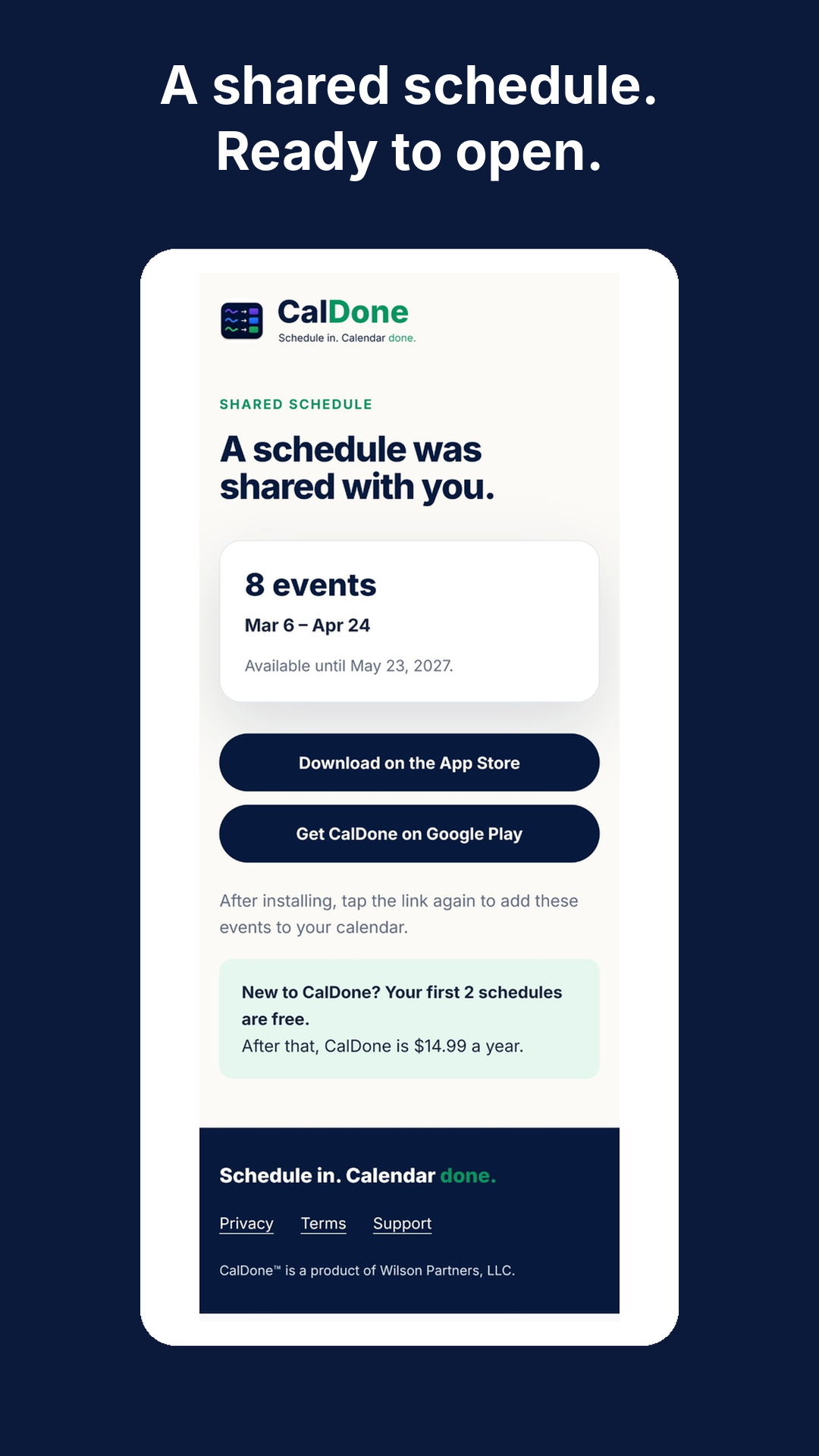
The link or QR code can be sent to families or included in an organization announcement.
Each recipient opens the shared schedule in CalDone, chooses events, and adds them to a supported calendar.
Schedule in. Calendar done.
Add the schedule in CalDone, review it, and share it with families. They select groups or categories, include or leave out optional events, and add what belongs on their own calendars.